Turn-by-turn navigation on the roads around you, drawn like the map in GTA V, Red Dead Redemption 2 or GTA VI. Built for Android Auto, with the same worlds on your phone.
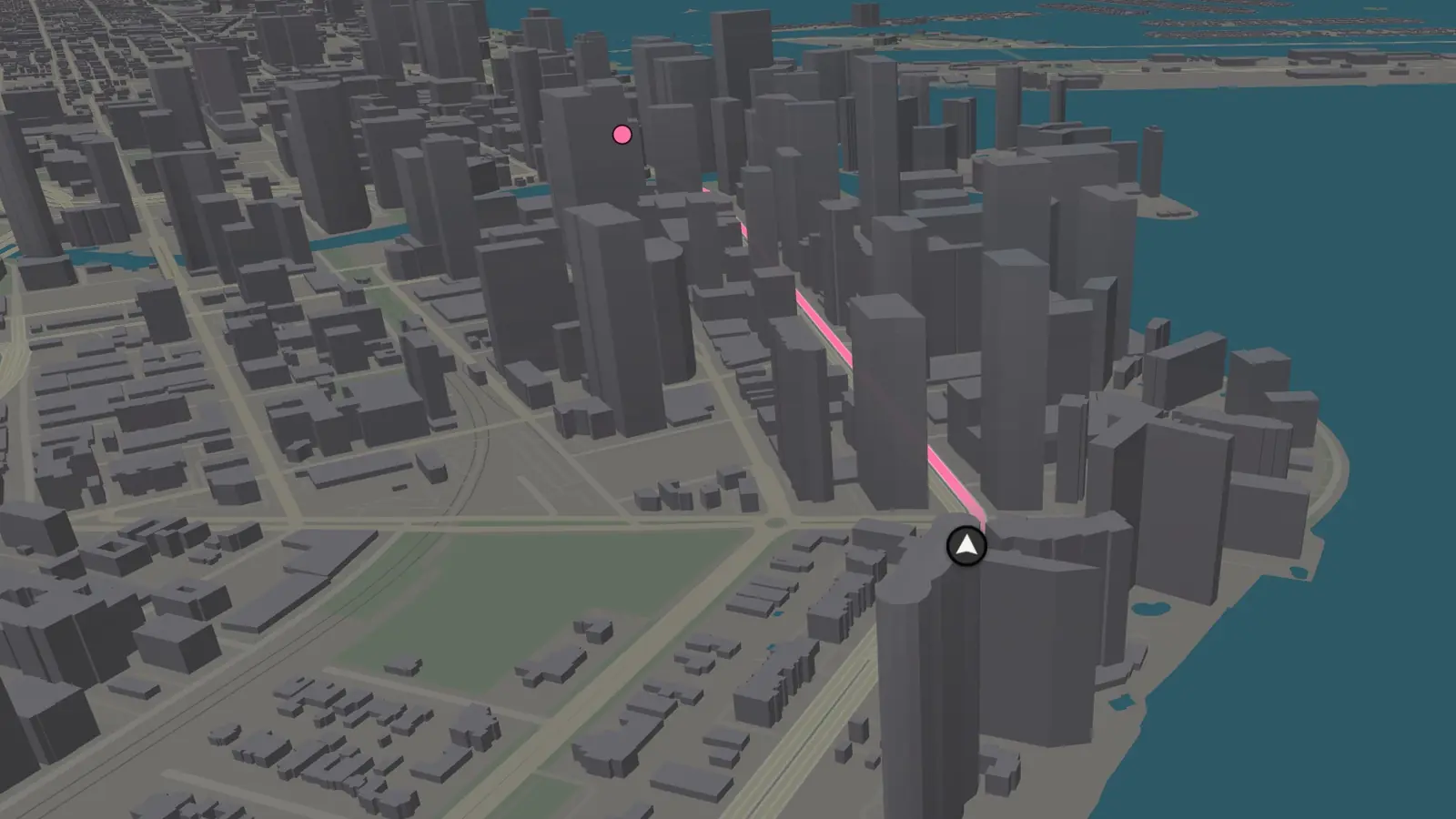
GTA VI's minimap on real roads. Raised buildings at their real heights, broad roads with lane dashes, and a pink route that fades in just ahead of the marker.
GTA VI's map changes with the time of day, worked out from where you are. Or hold it at one in Settings.
Try it on your own street
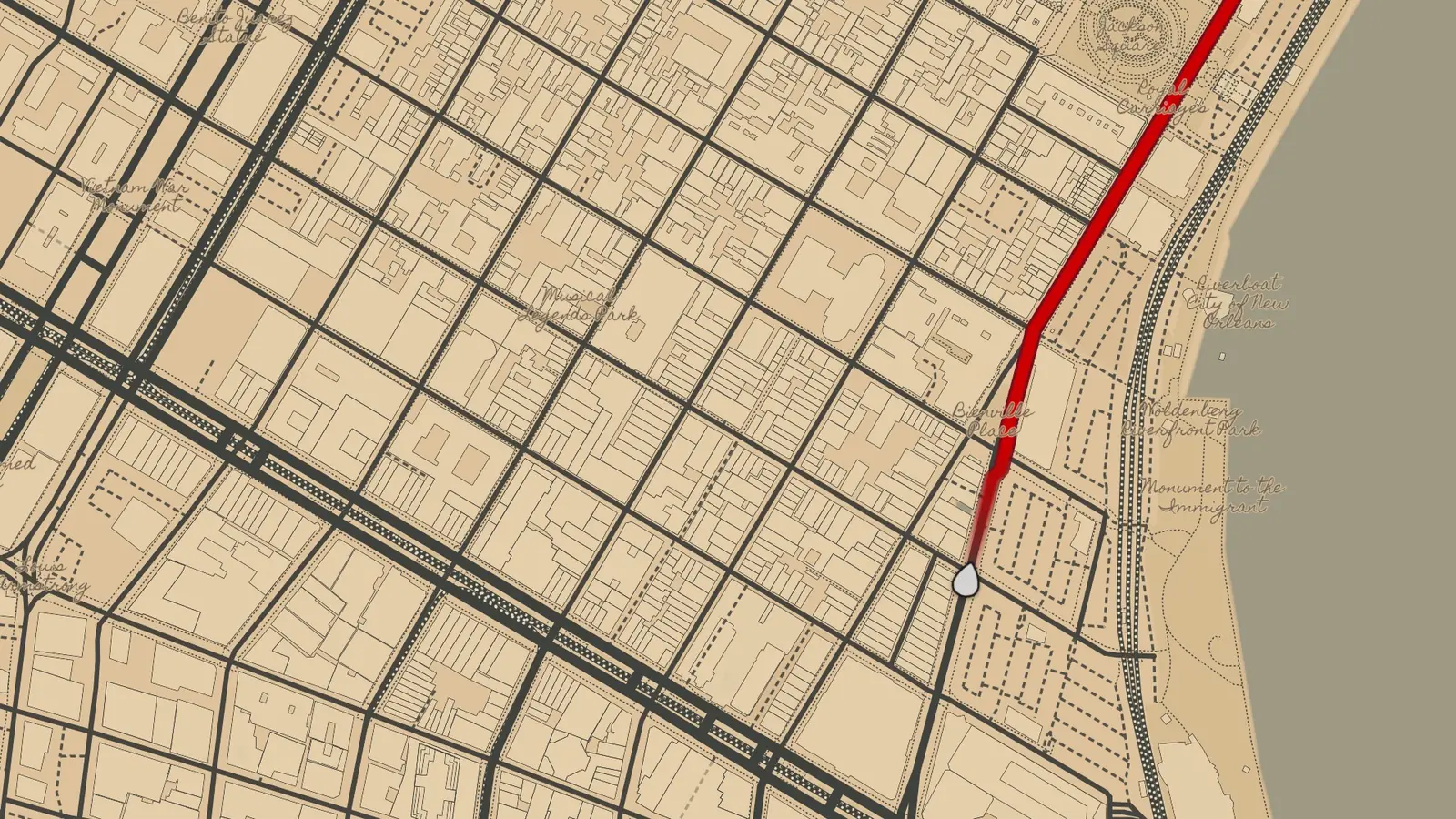
Search anywhere and see it in each world. Start with the real cities behind the games: Los Angeles for Los Santos, New Orleans for Saint Denis, Miami for Vice City.
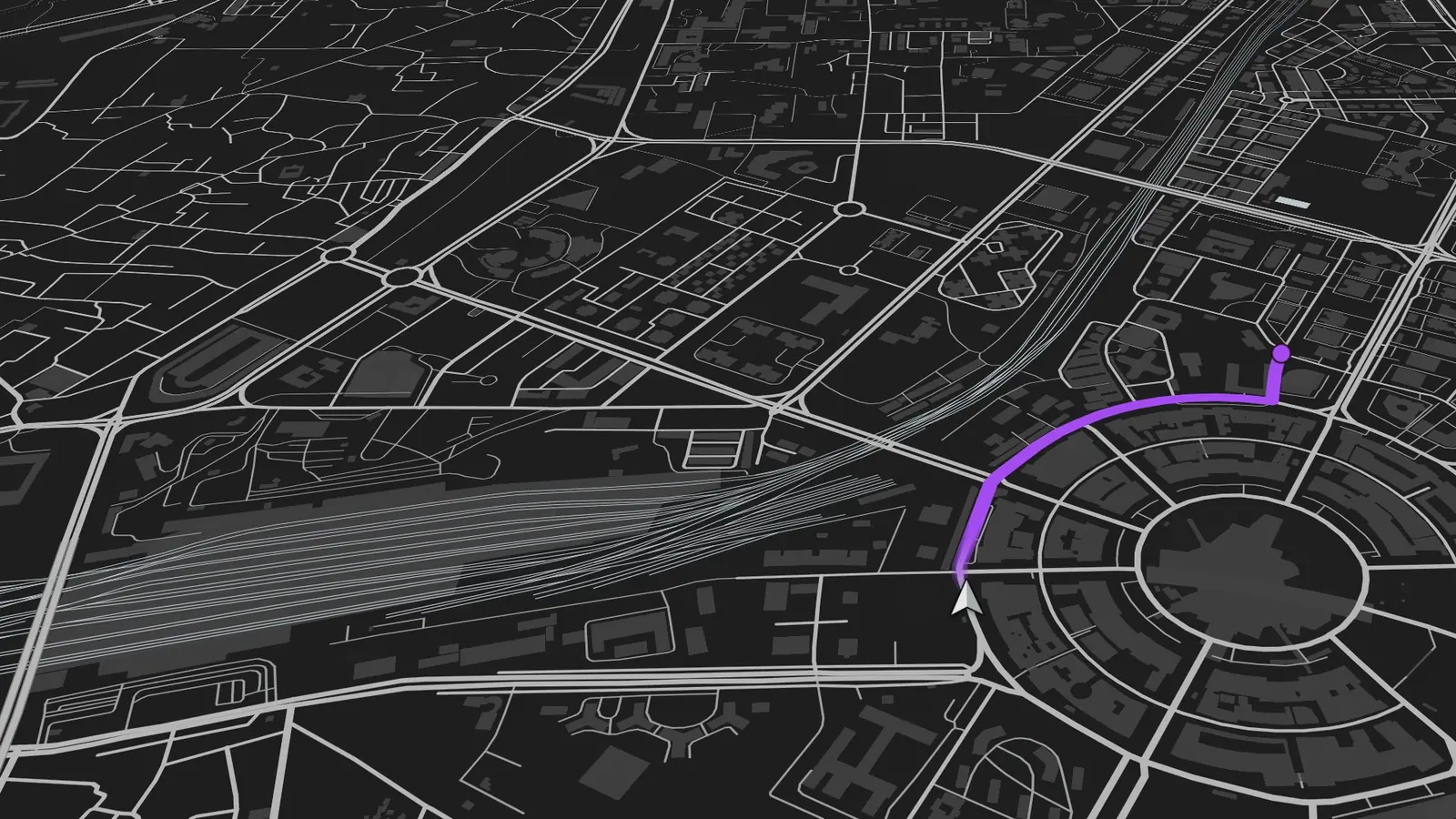
GTA V
GTA V's pause map on real roads. Near-black land, flat grey roads and one purple route, seen from the radar's gentle tilt.
GTA VI's minimap on real roads. Raised buildings at their real heights, broad roads with lane dashes, and a pink route that fades in just ahead of the marker.
The app's real map style, running in your browser. Roads from OpenStreetMap.
Real roads, real routes
Routes with live traffic, closures and one-ways, laid onto the game's map. Search finds places by name, plus code or a link shared from your maps app. Tap a shop or petrol pump on the map and the camera flies to it.
Traffic and alerts, only on your route
Amber where it's slow, red for jams, darkest where it's closed, and only on the road you're taking. Traffic lights, speed cameras, accidents, road works and closures show ahead of you, with the time the traffic adds.
A game HUD on the car screen
The turn card, time card, speedometer and speed-limit sign are drawn in each world's style, in place of Android Auto's own cards. Map buttons appear with a touch and leave the map clear while you drive.
Steady GPS
At a red light the marker stays put. Under a flyover it carries on along the road.
Flyovers you drive under
Bridges stand over the roads they cross, and the route runs over or under them.
Settings in the car
Theme, time of day, place icons and 3D buildings all switch from the car screen.
Your places on the map
Home, Work and starred places stand on the map the way each game marks what's yours.
Instrument cluster
New, and tried on only a few setups: cars whose dials have a map view can show Overworld there too.
Made for Indian roads
Metric units, a 12-hour clock, and turn arrows for driving on the left.
Get it on Android
In the car
Use the Google Play copy. It's in testing, and joining takes one email.
The two copies are signed differently, so uninstall one before installing the other. Full steps are in the tester setup guide.
Good questions
What is Overworld Maps?
A free navigation app for Android Auto and Android phones. It gives turn-by-turn directions on real roads and draws them in the style of a game map: GTA V, Red Dead Redemption 2 or GTA VI.
Is it free?
Yes. There are no ads, no subscription, no in-app purchases and no account.
Does it work on Android Auto?
Yes, it was built for it. It runs as a navigation app on the car screen with a game-style HUD, and has been driven in a Tata Curvv, a Tata Nexon and a Volkswagen Virtus GT. It fits wide screens, smaller head units and split screen.
How do I get it?
It's in testing on Google Play. Email your Gmail address to gaurav@thealgothrim.com and you'll get the testing link. The Play copy is the one to use in a car. For the phone alone, the APK is on GitHub.
Does it work without Android Auto?
Yes. The phone app has the same three worlds, with search, saved places, route previews and turn-by-turn directions.
Does it work outside India?
The maps, routes and search work anywhere OpenStreetMap does. It was made on Indian roads first, so it uses metric units and a 12-hour clock.
Does it work offline?
Not yet. It needs a data connection for the map, routes and traffic.
Is it on iPhone or Apple CarPlay?
Not yet. Overworld Maps is Android only for now.
What does it do with my location?
It uses your location to show the map and guide you, and sends trip details to the map and routing services that answer them. There is no account, no ads and no analytics, and nothing about you is sent to the developer. The privacy page lists every service.
Is it made by Rockstar Games?
No. Overworld Maps is a fan project. It is not affiliated with or endorsed by Rockstar Games or Take-Two Interactive.